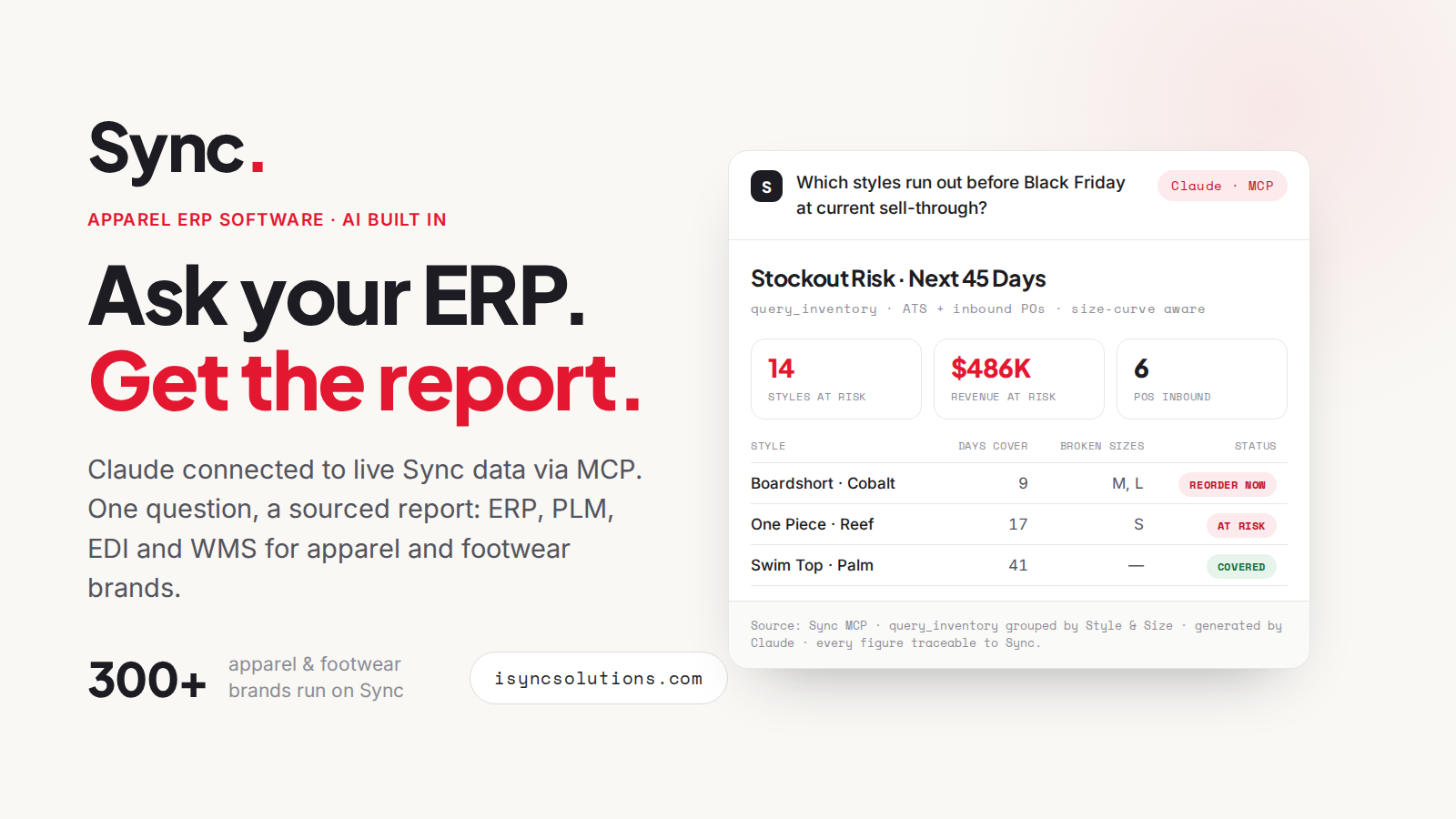
Sync AI is the AI layer of the apparel platform. Ask live ERP data anything through Sync MCP, in Claude, ChatGPT, Gemini or Grok - and put seven scheduled agents to work inside Sync, watching inventory, sales, finance, production, raw materials, customer service and the warehouse floor.
Sync speaks the Model Context Protocol natively, so the assistant your team already uses can query live ERP data directly. Plain-language questions in, board-ready answers out - sell-through, size runs, margin, material coverage - with every number traced to source and access scoped to each user's Sync permissions.
Sync Demo dataset
Scheduled agents run inside Sync against live data, within your existing permission settings - monitoring, creating and optimizing across every desk. Pick a desk to see its agent.
Dead stock, broken size runs and low cover flagged - reorder proposals drafted from ATS including inbound POs.
Explore →
Order files in any format become Sync sales orders. Budget vs actual and rep performance, watched every run.
Explore →
AR aging and review, margin by style and season, cost actualization and BOM variance - refreshed on a schedule.
Explore →
Critical path slippage and inbound tracking watched. Bills of lading become in-shipments and ASNs.
Explore →
Requirements across BOMs and cutting orders, netted against material purchases - shortfalls caught before the cut date.
Explore →
Orders, fulfillment, returns and refunds on watch - with stock optimally allocated to sales orders.
Explore →
AI-optimized wave picking, slotting recommendations from picking and sales trends, intelligent pick routing - live today.
Explore →
The agents do not stop at reporting. Inside Sync, AI functionality creates and optimizes: documents become transactions, and the warehouse floor gets smarter with every pick.
Dead stock, broken size runs, at-risk accounts, customer growth, inventory concentration and regional sell-through - six full reports generated against the Sync demonstration dataset, exactly as they come back.
See the sample reports →We selected Sync based on their highly efficient, finely tuned system that is apparel industry specific. Sync has provided the platform we required to grow our brands in the global arena.
We are in a 1000% better place now than we were with the old system. Sync has given us access to more data visibility and reporting than ever before.
Sync revolutionized our operations. Transitioning from a manual system was a game-changer… the team at Sync values our brand and treats us like a true partner.
Sync AI is the AI layer of the Sync apparel platform. It has two halves: Sync MCP, which lets AI assistants query live ERP data on demand, and seven scheduled agents that monitor, create and optimize inside Sync - across inventory, sales, finance, production, raw materials, customer service and the warehouse.
Sync MCP connects live Sync data to AI assistants through the Model Context Protocol, an open standard introduced by Anthropic in November 2024. Ask questions in plain language in Claude, ChatGPT, Gemini or Grok and get answers traced to live ERP data, scoped to each user's Sync permissions.
Scheduled agents that run inside Sync against live data: the Inventory, Sales, Finance, Production, Raw Materials, Customer Service and WMS Agents. They monitor the numbers, create transactions from documents such as order files and bills of lading, and optimize warehouse picking - all within your existing permission settings.
Any assistant that supports MCP connections, including Claude, ChatGPT, Gemini and Grok. Because MCP is an open standard rather than a proprietary copilot, your team uses the assistant they already work in, on their own account and keys.
Connections and agents work within your existing Sync permission settings - a user or agent sees only what its Sync role allows, and everything created is visible in Sync before it flows downstream. There is no side door around your permissions.
Sync MCP is available as a module of the Sync platform, and the agents are part of the Sync AI layer. Book a demo and we will run it against a real product range so you can see what it answers and what it catches.
No generic slides. Bring a real question and a real product range - we will show the answer come back live, and the agents that would have caught it first.